
Create Knowledge Bundle
This feature allows you to group a selection of Documents together in a Bundle. This means you can curate wider packs of knowledge and share this with users. As an example you may want to group together important Real Estate documents or some key templates for certain legal procedures and training packs for new starters.
A Knowledge Bundle can include one or multiple Documents and metadata can be attached directly to the Bundle.
Bundle Creation
Users can start the creation process from most areas of Blueprint. This is available via the ‘Create’ button at the top of the page. Clicking Create will provide the option for ‘Knowledge Bundle’.
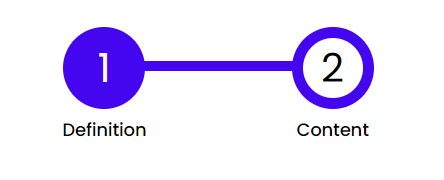
There are two steps to this workflow as detailed below:
Selection
The first step of the workflow allows the User to enter the Knowledge Bundle details. A Title and Description can be entered.
Fields can be configured via Contexts to provide the options of metadata to attach to the Knowledge Bundle.
Content
Within this part of the workflow Users can search Blueprint for Documents to add to the Bundle. As a minimum one Document needs to be added to the Bundle to allow creation.
Clicking submit will create the Bundle and place it in a Pending status.
Publishing a Bundle
Once a Bundle has been created, in order to make this accessible to all Blueprint users the status will need to be amended to ‘Published’, this functionality can be accessed from the Bundle Full View page.