
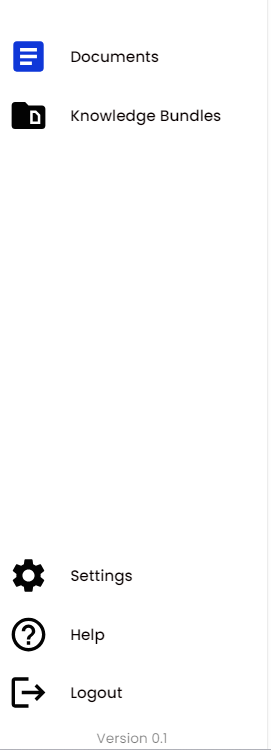
You can navigate through Blueprint by using the menu options found in the left-hand sidebar which is available on any page within Blueprint:
Documents
Clicking the Documents option will navigate you to the Documents Catalogue page, from here you can browse and search for Knowledge Documents. Further information can be found within Document Catalogue.
Knowledge Bundles
Clicking the Knowledge Bundles option will navigate you to the Knowledge Bundles Catalogue page, from here you can browse and search for Knowledge Bundles. Further information can be found within Knowledge Bundles.
Settings
Clicking the Settings option will navigate you to the Settings page, from here you amend the Blueprint system configuration. Further information can be found within Configuration.
Help
Clicking the Help button will navigate you to this helpful User Guide.
Logout
Blueprint is configured with Azure Entra ID and therefore clicking Logout will log you out of your Microsoft account.