
Appearance
Within the Blueprint application the appearance can be adjusted based on your preferences. This configuration is available from the Settings page under the Appearance section.
Within this section you can amend the following parts of the application to tailor it to your firm's needs. This setting is a global setting and therefore will be amended for all users of Blueprint:
Logo
The logo shown at the top right of the application can be amended via this feature:

You can choose a file to upload or utilise the drag and drop functionality. All standard image file types (approx. 80 different types) are allowed for example JPEG, PNG.
There is a file size limit of 5mb.
Favicon
The favicon shows on the browser tab alongside the application name.

The application name can be amended as part of implementation and the favicon image can be adjusted within the application via this feature:

You can choose a file to upload or utilise the drag and drop functionality. Only .ico file types are accepted.
There is a file size limit of 1mb
Colour Editor
The colour scheme of the Blueprint application can be adjusted within this section. There are colour editors for:
Accent Background
Accent Foreground
Text
Icons & Buttons
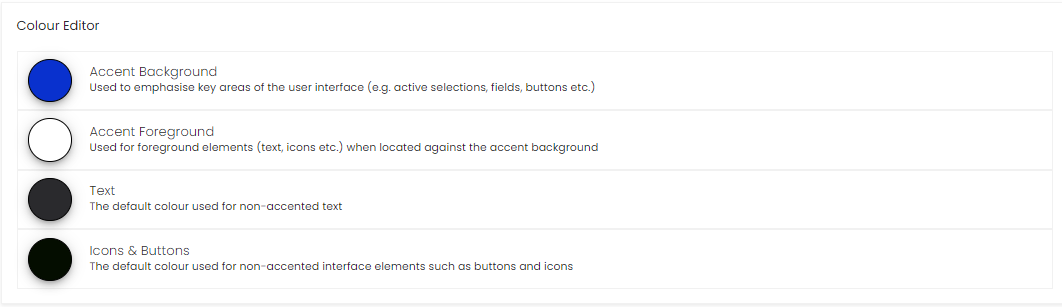
Upon adjusting the colours and pressing Save, the application will refresh and update.